RFQ software for electrical distributors

75 metres.
Priced by the reel.

The buyer asks for 75 metres of fibre. The supplier lists AED 690 per reel. Quote Desk holds that line for review and prices the lines where the code and unit agree.

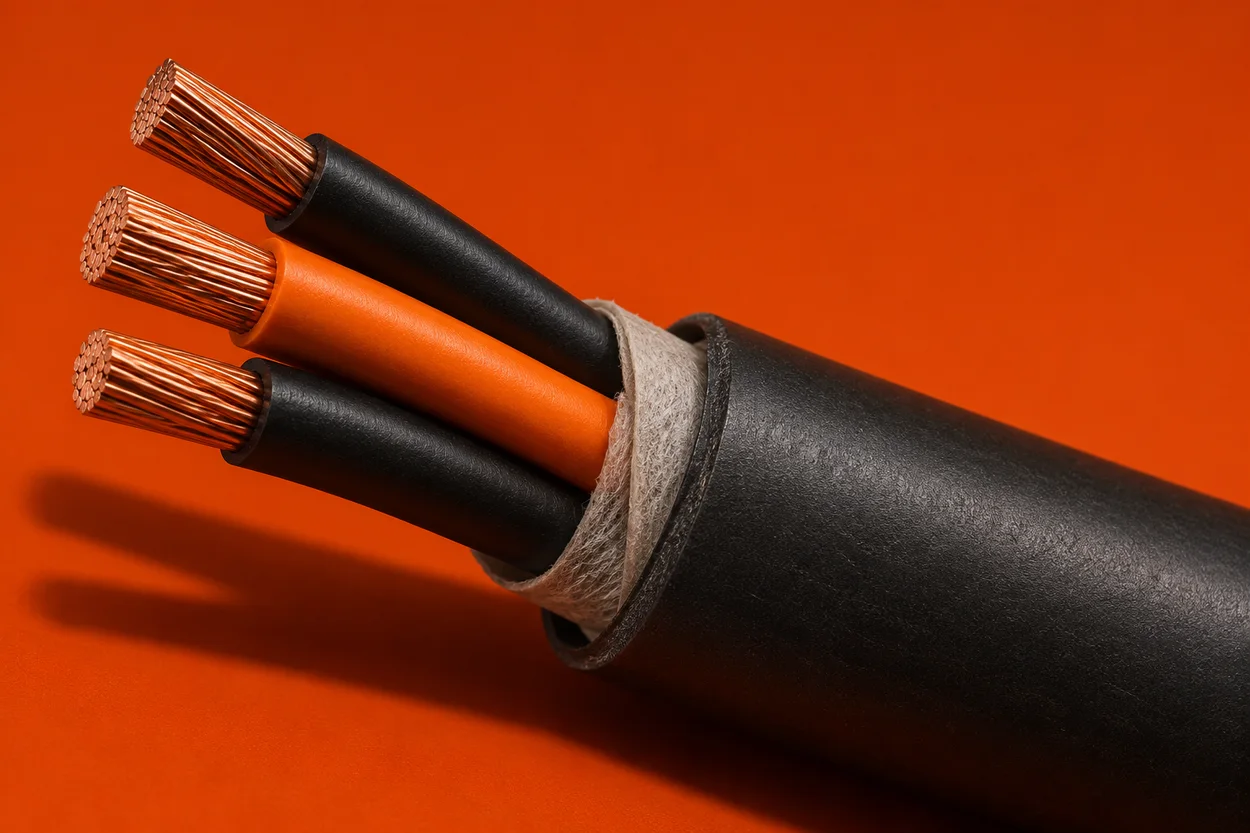
Cutaway of an electrical cable showing copper strands inside three insulated conductors.
Sample cabling RFQ6 lines4 priced2 for review

Inside the worksheet

Follow a line from
request to quote.

Choose a sample item. Compare the buyer’s quantity with the supplier’s price unit and see how the line appears in the draft.

Line inspectionFIBER-OM3

Buyer request

75 mRequested cable length

Supplier price

690 / reelAED per supplier reel

Draft decision

HoldUnits differ

Why it stays open 75 × AED 690 would put AED 51,750 on this line. The reel length is unknown, so it stays out of the draft subtotal.

Guided pilot

Your first RFQ,
on your own sheets.

Bring one buyer request and one supplier price list. Work through a real quote with RGBAura by email.

Map the two sheets
Line up item codes, quantities, units and prices. Headers or anonymised rows are enough for setup questions.
Prepare a draft
Use the private tool to match your own Excel or CSV files in your browser. Your source files are processed on your device.
Review and export
See the missing codes and conflicting units alongside priced lines. Export the draft as CSV for your team to review.